
Regex cheat sheet: the patterns every developer needs to know
A practical regex reference covering character classes, quantifiers, groups, lookaheads, and the 12 most useful patterns for everyday development — with live examples.

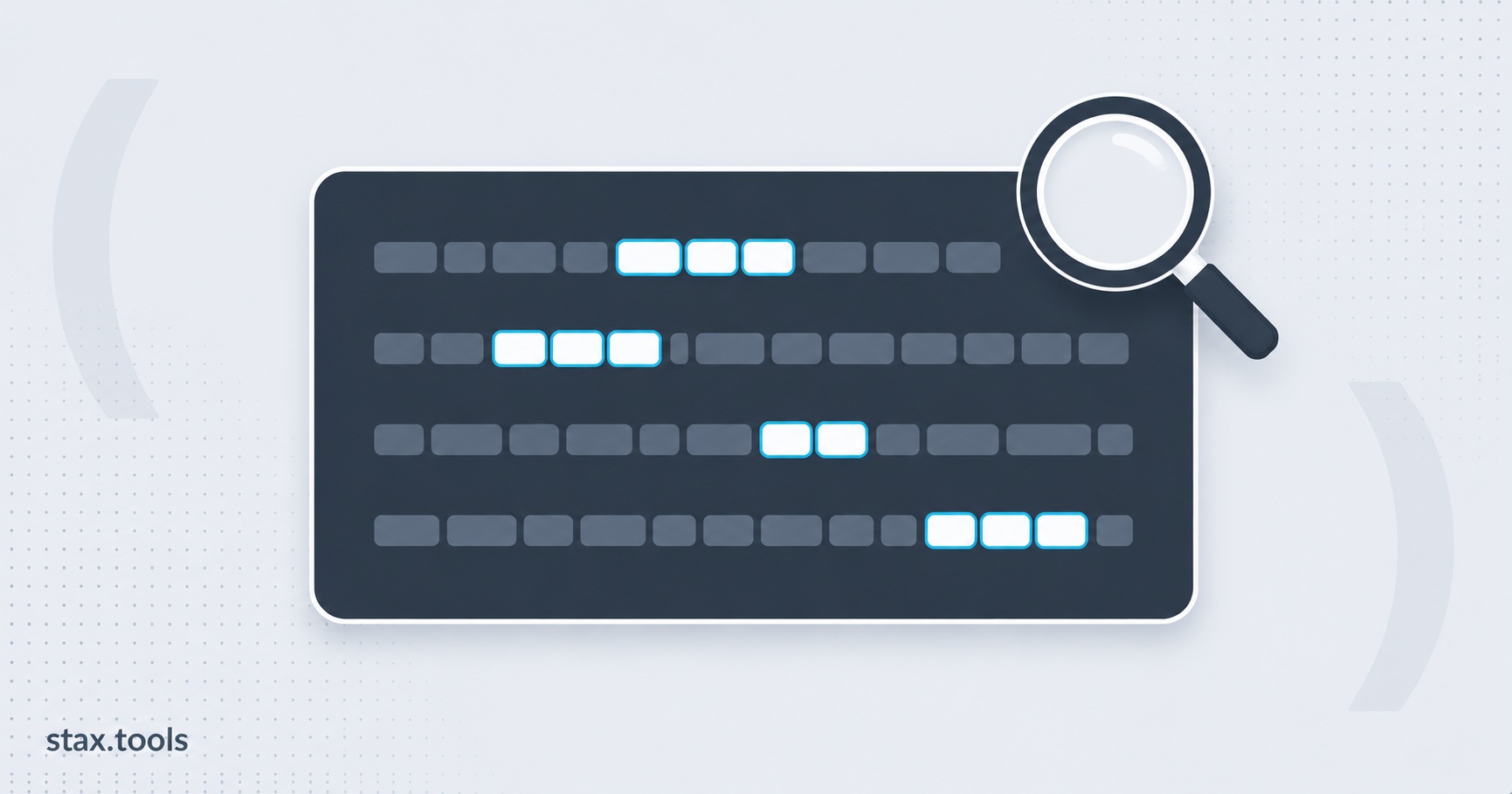
Regular expressions are one of those tools that feel impenetrable until they click. The syntax reads like line noise:
^(?:[a-zA-Z0-9._%+\-]+)@(?:[a-zA-Z0-9\-]+)(?:\.[a-zA-Z]{2,})+$
But it follows a small, learnable set of rules. Once you've internalised them, you can express almost any text pattern in a single line — and understand any regex you encounter in someone else's code.
This is the reference I wish I'd had starting out: not an exhaustive specification, but everything you'll actually reach for, with worked examples throughout. If you'd rather learn regex step by step first, our practical regex guide walks through the same building blocks at a slower pace.
What regex actually is
A regular expression is a sequence of characters that defines a search pattern. It describes what to match, not how to match it — the engine handles the searching. The same pattern works against any string in any language that supports regex, though minor dialect differences exist between implementations.
Regex is defined formally in the ECMAScript specification (ECMA-262, Section 22.2) for JavaScript, and in MDN's Regular Expressions guide with practical examples. The core syntax is largely consistent across Python, Go, Ruby, PHP, Perl, and Java — but lookahead/lookbehind support, Unicode handling, and some flags differ between engines.
The building blocks
Literal characters
The simplest regex is just the text you want to find. The pattern error matches the substring "error" wherever it appears in the input. Case-sensitive by default.
The dot .
Matches any single character except a newline \n. c.t matches "cat", "cot", "c7t", "c t" — but not "ct" (too short) or "coat" (too long — dot is exactly one character).
To match a literal dot, escape it: \.
Character classes [...]
Matches any one character from a defined set.
| Pattern | Matches |
|---|---|
[aeiou] |
Any single vowel |
[a-z] |
Any lowercase ASCII letter |
[A-Z] |
Any uppercase ASCII letter |
[0-9] |
Any digit |
[a-zA-Z0-9] |
Any alphanumeric character |
[a-zA-Z0-9_] |
Any "word" character |
[^aeiou] |
Any character that is NOT a vowel (^ inside [] negates) |
[.,!?] |
Any one punctuation character from the list |
Ranges use -: [a-f] matches a, b, c, d, e, or f. To include a literal hyphen, put it first or last: [-a-z].
Shorthand character classes
These are so common they have built-in abbreviations:
| Shorthand | Equivalent | Meaning |
|---|---|---|
\d |
[0-9] |
Any digit |
\D |
[^0-9] |
Any non-digit |
\w |
[a-zA-Z0-9_] |
Any "word" character (letters, digits, underscore) |
\W |
[^a-zA-Z0-9_] |
Any non-word character |
\s |
[ \t\r\n\f\v] |
Any whitespace character |
\S |
[^ \t\r\n\f\v] |
Any non-whitespace character |
Quantifiers
Quantifiers control how many times the preceding element must appear.
| Quantifier | Meaning | Example | Matches |
|---|---|---|---|
? |
0 or 1 (optional) | colou?r |
"color" or "colour" |
* |
0 or more | go*gle |
"ggle", "gogle", "google", "gooooogle"... |
+ |
1 or more | go+gle |
"gogle", "google" — but NOT "ggle" |
{n} |
Exactly n times | \d{4} |
Exactly 4 digits |
{n,} |
n or more | \d{3,} |
3 or more digits |
{n,m} |
Between n and m times | \d{2,4} |
2, 3, or 4 digits |
Greedy vs lazy
By default, quantifiers are greedy — they match as much as possible. Add ? after any quantifier to make it lazy — match as little as possible.
Input:    <b>bold</b> and <i>italic</i>
<.+>   → "<b>bold</b> and <i>italic</i>"  (greedy: one big match, from first < to last >)
<.+?>  → "<b>", "</b>", "<i>", "</i>"     (lazy: smallest possible match each time)
This matters enormously when you're extracting substrings from structured text like HTML or logs.
Anchors
Anchors match a position in the string, not a character.
| Anchor | Matches |
|---|---|
^ |
Start of string (or start of line in multiline mode m) |
$ |
End of string (or end of line in multiline mode m) |
\b |
Word boundary — the boundary between a \w and a \W character |
\B |
Non-word boundary |
Without anchors, \d{5} matches any 5-digit sequence anywhere in the input — including the middle of "abc12345def". With anchors: ^\d{5}$ only matches a string that is exactly 5 digits and nothing else.
Word boundaries are subtle: \bcat\b matches the word "cat" in "the cat sat" but not in "concatenate" or "scatter".
Groups and alternation
Capturing groups (...)
Parentheses group a sub-pattern and capture whatever it matches.
(\d{4})-(\d{2})-(\d{2}) on "2026-05-14" captures three groups: "2026", "05", "14". Most regex engines let you reference captures in replacement strings as $1, $2, $3 (or \1, \2, \3).
Reordering a date format using captures:
"2026-05-14".replace(/(\d{4})-(\d{2})-(\d{2})/, "$3/$2/$1")
// → "14/05/2026"
Non-capturing groups (?:...)
Groups the pattern for quantifiers or alternation without creating a capture. Use when you need the grouping but not the captured value — it's faster and cleaner.
(?:https?|ftp):// matches "http://", "https://", or "ftp://" without creating a capture.
Alternation |
Acts like logical OR. cat|dog matches "cat" or "dog". Usually used inside a group:
(?:cat|dog)s? matches "cat", "cats", "dog", or "dogs".
Lookaheads and lookbehinds
These match a position based on what surrounds it, without consuming characters. They're called "zero-width assertions" — they assert something about the context without being part of the match itself.
| Syntax | Name | Meaning |
|---|---|---|
(?=...) |
Positive lookahead | Match if the next characters match ... |
(?!...) |
Negative lookahead | Match if the next characters do NOT match ... |
(?<=...) |
Positive lookbehind | Match if the preceding characters match ... |
(?<!...) |
Negative lookbehind | Match if the preceding characters do NOT match ... |
Examples:
\d+(?= dollars) — matches the number in "42 dollars" but not "42 euros". The " dollars" part is checked but not included in the match.
(?<=\$)\d+ — matches the digits after a dollar sign in "$42.00". The $ is not included in the match.
(?<!un)happy — matches "happy" and "very happy" but not "unhappy".
Flags that change how matching works
Most engines support flags (modifiers) that alter matching behaviour:
| Flag | JS syntax | Effect |
|---|---|---|
i |
/pattern/i |
Case-insensitive |
g |
/pattern/g |
Global — find all matches, not just the first |
m |
/pattern/m |
Multiline — ^ and $ match start/end of each line |
s |
/pattern/s |
Dotall — . matches newlines too |
u |
/pattern/u |
Unicode mode — enables Unicode escapes and proper character handling |
Flags combine: /pattern/gi does a global, case-insensitive search.
The 12 patterns you'll actually copy-paste
1. Email address (pragmatic, not RFC-complete)
[\w.+\-]+@[\w\-]+(?:\.[\w\-]{2,})+
Matches the vast majority of real-world email addresses. A truly RFC 5321-compliant email regex is notoriously complex (hundreds of characters). This covers 99%+ of inputs you'll encounter in practice.
2. URL (http/https)
https?://[\w\-]+(\.[\w\-]+)+(/[\w\-./?%&=#]*)?
3. IPv4 address
\b(?:(?:25[0-5]|2[0-4]\d|[01]?\d\d?)\.){3}(?:25[0-5]|2[0-4]\d|[01]?\d\d?)\b
Each octet must be 0–255. The nested alternation (25[0-5]|2[0-4]\d|[01]?\d\d?) handles the range validation.
4. Date — ISO 8601 (YYYY-MM-DD)
\d{4}-(0[1-9]|1[0-2])-(0[1-9]|[12]\d|3[01])
5. Time — 24-hour (HH:MM)
([01]\d|2[0-3]):[0-5]\d
6. Phone number (flexible, international)
[\+]?[(]?[0-9]{3}[)]?[-\s\.]?[0-9]{3}[-\s\.]?[0-9]{4,6}
7. Hex colour code
#([A-Fa-f0-9]{6}|[A-Fa-f0-9]{3})
Matches 6-digit (#4F46E5) and 3-digit (#F00) hex colours.
8. URL-safe slug
^[a-z0-9]+(?:-[a-z0-9]+)*$
Matches "my-blog-post", "product-123". Rejects uppercase, spaces, or leading/trailing hyphens.
9. Semantic version (semver)
\bv?(\d+)\.(\d+)\.(\d+)(?:[-+][.\w]+)?\b
Matches "1.0.0", "v2.1.3", "3.0.0-beta.1", "1.0.0+build.456".
10. JWT token (structural check)
^[A-Za-z0-9_\-]+\.[A-Za-z0-9_\-]+\.[A-Za-z0-9_\-]*$
Three Base64URL segments separated by dots. Checks structure only — doesn't verify the signature. For an actual decoder that reads the header and payload, see our JWT decoder guide.
11. HTML/XML tag (opening)
<([a-zA-Z][a-zA-Z0-9\-]*)(?:\s[^>]*)?>
Capture group 1 contains the tag name. Note: don't use regex for serious HTML parsing — use a DOM parser. This is useful for quick searches in text editors or log files.
12. Strong password (validation rule)
^(?=.*[a-z])(?=.*[A-Z])(?=.*\d)(?=.*[@$!%*?&])[A-Za-z\d@$!%*?&]{8,}$
At least 8 characters, one uppercase, one lowercase, one digit, one special character. Uses four separate lookaheads to enforce each requirement independently. If you'd rather generate passwords that already satisfy rules like this, see our password generator guide.
Common regex mistakes
Not escaping special characters in literal searches. If you're trying to match "example.com", the dot matches any character. Use example\.com to match the literal dot.
Catastrophic backtracking. Patterns like (a+)+ can cause exponential backtracking on certain inputs — the engine tries every possible way to distribute matches before failing. If your regex runs fine on short inputs but hangs on long ones, rewrite the quantifiers to be more specific.
Using .+ when [^x]+ is what you mean. If you want "everything up to a comma", use [^,]+ (any character that's not a comma), not .+? followed by ,. The character class version is faster and more predictable.
Forgetting flags. A case-sensitive search for "error" will miss "Error" and "ERROR". Always consider whether your search should be case-insensitive and add the i flag when appropriate.
Matching too broadly with . combined with greedy quantifiers. ".*" to match a quoted string will greedily consume multiple quoted strings on the same line. Use "[^"]*" (any character that's not a quote) instead.
Testing regex without guessing
Use the Stax Regex Tester to build and verify patterns interactively:
- Live match highlighting shows exactly which parts of your test string match, with each match and capture group colour-coded
- Named and numbered capture groups are displayed alongside results
- Flags (i, g, m, s, u) can be toggled without editing the pattern
- The editor catches syntax errors immediately — malformed patterns are highlighted before you run them
Testing regex manually (write pattern, run code, read output, repeat) takes minutes per iteration. A live tester cuts that loop to seconds. Everything runs in your browser — your patterns and test strings are never sent anywhere.
When a find-and-replace regex rewrites a file, a diff checker is the fastest way to confirm the substitution changed exactly the lines you intended and nothing else.
Harshil writes about privacy-first tools, developer productivity, and the trade-offs between browser-based and uploaded utilities.
Sources & methodology
- MDN Web Docs — Regular expressions — Mozilla Developer Network. JavaScript regex syntax reference, flag documentation, and capture group behaviour
- ECMA-262 specification, Section 22.2 — RegExp Objects — TC39. Formal JavaScript regex grammar and semantics
- The 12 patterns in the reference section are pragmatic approximations for common inputs, not RFC-complete validators. Test each pattern against your actual input set before deploying to production — edge cases vary by domain.
- Regex behaviour in Python (
remodule), Go (regexppackage), .NET, PCRE, and Ruby may differ from JavaScript in lookbehind support, Unicode handling, and possessive quantifiers.
Last reviewed: 2026-05-14. Core regex syntax is stable; flag availability and advanced feature support vary by engine — always check your language's documentation.
Harshil
Developer & Founder, stax.tools
Harshil is the developer behind stax.tools, building privacy-first tools that run entirely in your browser.
More by Harshil →Tools mentioned in this article
Related reading
 Base64 encoding explained: what it is, when to use it, and when not toBase64 turns binary data into text so it can travel safely through text-only channels. Here's how it works, where it's used, and the mistakes developers commonly make with it.8 min read
 How to format JSON without uploading data anywhere — a 2026 guideMost online JSON formatters quietly send your data to a server. Here's why that's risky for production data, and how to format JSON entirely in your browser.7 min read
 Diff Checker: What It Is, How It Works, and 6 Use Cases Beyond Code ReviewA side-by-side comparison of diff algorithms, how unified and split diff formats work, why character-level diffs matter for text editing, and practical use cases for diff checkers outside of version control.6 min read
 UTF-8, Unicode, and Character Encoding: What Every Developer Needs to KnowWhy mojibake happens, how Unicode code points map to UTF-8 bytes, the difference between ASCII, Unicode, and UTF-8, and why 'just use UTF-8 everywhere' is correct advice but still requires understanding.5 min read
Found this useful?
Browse 235+ free privacy-first tools — no login, no uploads, instant results.